Project
Work Radar
A local-first desktop app for managing a job search end-to-end — from discovery through offer or close.
What it does
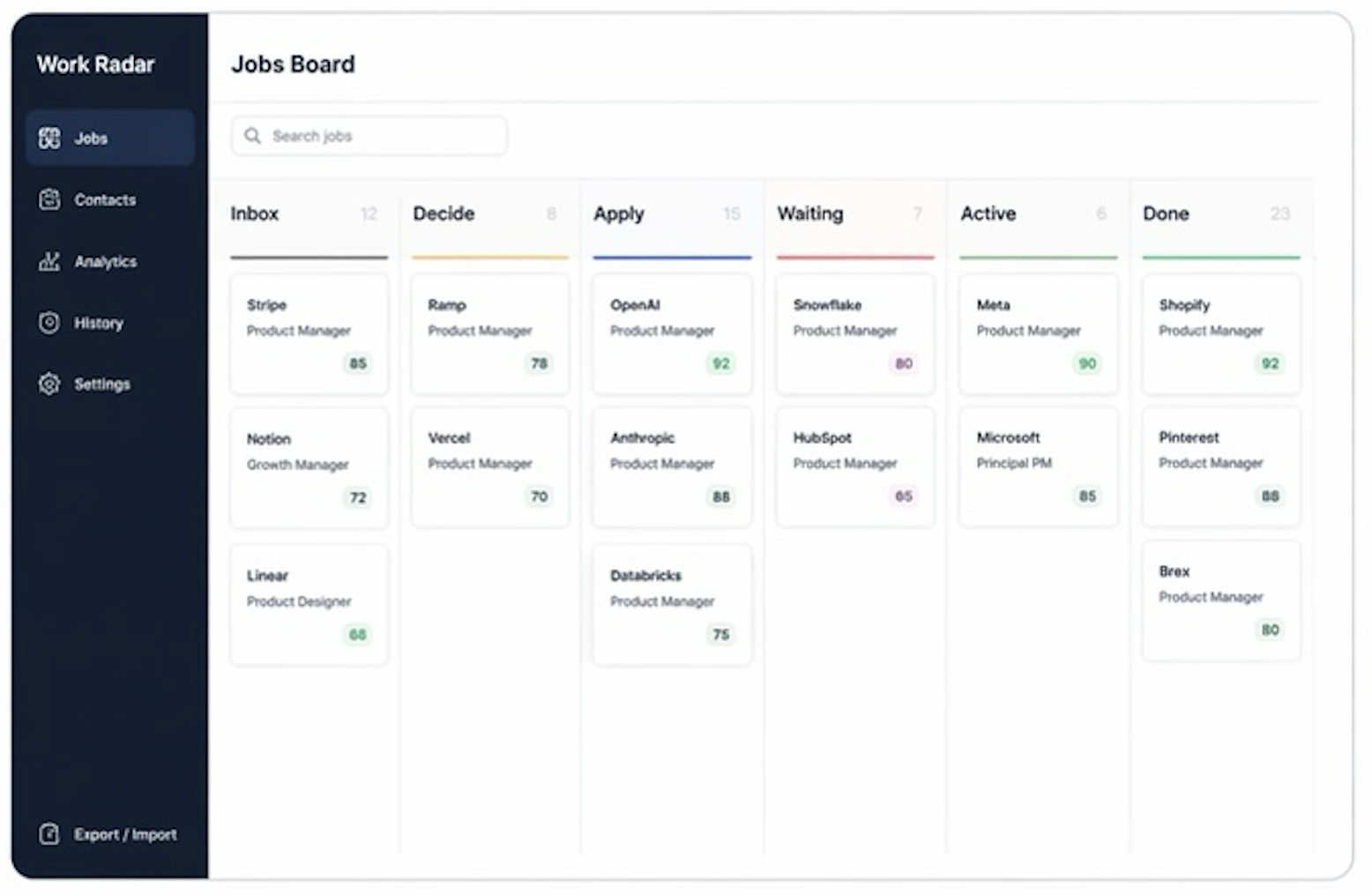
Drag-and-drop Kanban across every stage — Decide, Applied, Screening, Interviewing, Done. Search with ⌘F. Archive a column in one click.
Tailored resumes and cover letters grounded in your bio. Anthropic, OpenAI, or Gemini — your choice. Nothing is invented.
Track recruiters, hiring managers, and connectors alongside the roles they relate to.
Three-lens fit score: evidence from your work history, alignment to your ideal role, and practical constraints.
Every stage change, import, outreach draft, and asset generation is logged with a timestamp. Nothing gets lost.
Capture a job from any page and send it directly to the board. Confirming an application from the extension moves the card automatically.
Why I built it
Job search tools are almost all built for recruiters or for volume — tracking applications like tickets, optimizing for throughput. I needed something that helped me think clearly about fit: whether I could credibly do the work, whether I actually wanted to, and whether the practical realities lined up.
I also wanted a record that was honest. Every action logged, every stage transition timestamped, every piece of generated content grounded in real work history — not optimized for polish. Work Radar runs locally, keeps nothing in the cloud, and gives full CSV export. It's built to be used seriously, not to game the process.
How it works
Paste a job, upload a CSV of past applications, or send from the browser extension. Data is normalized and deduplicated on the way in.
Each opportunity is scored across three lenses: evidence fit (can you do it?), preference fit (do you want it?), constraint fit (can you take it?).
Drag cards through stages. Set next actions and follow-up dates. The board is a view over persistent records — not the source of truth.
Produce a tailored resume or cover letter. Output is grounded in your bio — the model can't invent experience you don't have. Files are saved locally.
Link people to roles. Log every touchpoint. Know who you've talked to, when, and what was said.
The history log shows where time went and what converted. Archive what's dead. Close what's done. Export everything to CSV whenever you need it.
Inside Work Radar
Notes from the build
- Grounding AI generation in a structured bio file prevents hallucination more reliably than prompt instructions alone. The model can only work with what's there.
- The hardest product problem was surfacing "what needs attention right now" without cluttering the board. Metadata fields (next action, follow-up date, priority) handled it better than extra columns.
Experiments
View all experiments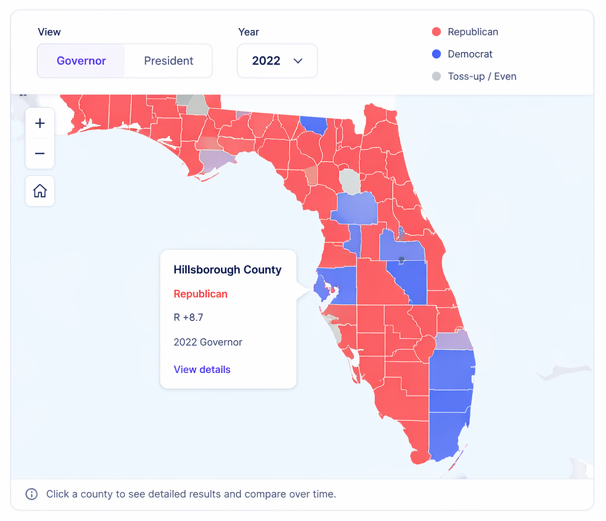
Experiment
Florida Politics
An interactive map revealing how political control shifts across counties over time, based on real election data.
View experiment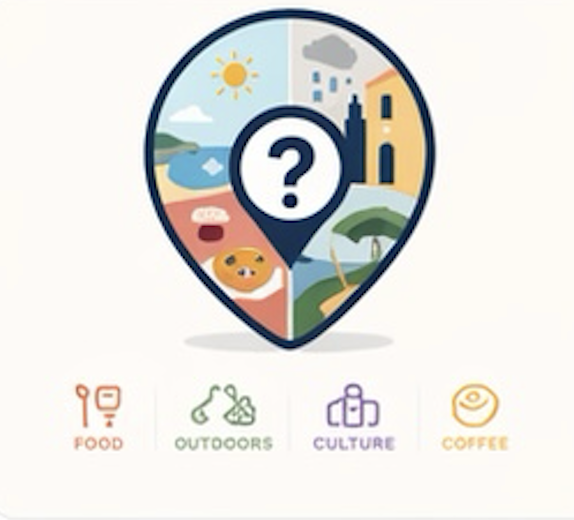
Experiment
Where Now?
A random food and trip generator for the Lisbon area. Built for the moment when indecision wins.
View experiment